Convert HTML to PDF Without the Extra Hassle
Got an HTML file that needs to become a PDF? Want to save a webpage for later? Or maybe you already have the HTML code and just need a clean PDF version? JPDF keeps the whole process simple. Our HTML to PDF converter lets you turn HTML content into PDF online for free, right from your browser.
No desktop software. No complicated setup. No account required. Just choose the conversion method that fits your workflow, provide your content, and let JPDF handle the rest.
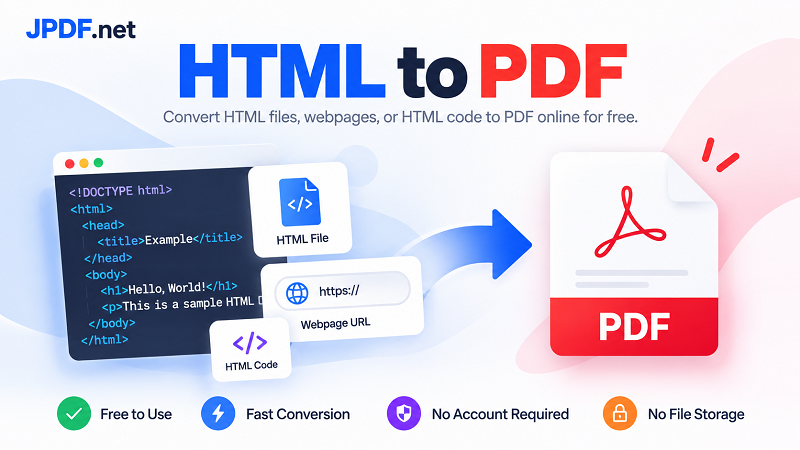
3 Easy Ways to Convert HTML to PDF
1. Convert an HTML File to PDF
Already have an HTML file on your computer? Upload it and convert it directly to PDF. This option works well for HTML files and .htm documents that you want to turn into a more convenient format for sharing, printing, or archiving.
Instead of opening the file in a browser and figuring out how to save it manually, you can use JPDF as a straightforward HTML file to PDF converter and get a PDF version in just a few steps.
2. Convert a Webpage to PDF from a URL
Don't have the HTML file? No problem. If the content is already published online, use the webpage option and provide its URL. JPDF can help you convert a webpage to PDF without downloading the page source first.
This is useful when you want to save a web page as a PDF, keep a copy of useful online content, print a webpage, or create a portable version of a web document. Paste the link, start the conversion, and you're ready to go.
3. Convert HTML Code to PDF
Working directly with HTML code? You can skip the file creation step and use your code as the input. Paste your HTML into the converter and turn it into a PDF without first saving it as a separate document.
This can be especially handy for developers, designers, and anyone testing HTML layouts who needs a quick PDF output. It is a simple way to go from HTML code to PDF without adding another tool to your workflow.
A Free HTML to PDF Converter That Keeps Things Simple
JPDF is built for people who just want to get the job done. The tool is completely free, works online, and does not require you to create an account before converting your content. There is no software installation and no unnecessary signup process standing between you and your PDF.
We also don't store your uploaded files on our servers. That means you can use the converter without building a permanent collection of documents in your account. Upload what you need, convert it, and move on with your day.
HTML, Webpages, and Code — One Place to Convert
HTML content doesn't always come in the same form. Sometimes it's a file. Sometimes it's a URL. Sometimes it's nothing more than a block of code sitting in your editor. JPDF gives you three ways to handle those different scenarios from one convenient tool.
Whether you're looking for an HTML to PDF converter online, a quick way to convert HTML to PDF online, or a simple solution for saving a webpage as a PDF, JPDF keeps the workflow fast and straightforward. Choose your input, convert it, and get your PDF without the usual hassle.