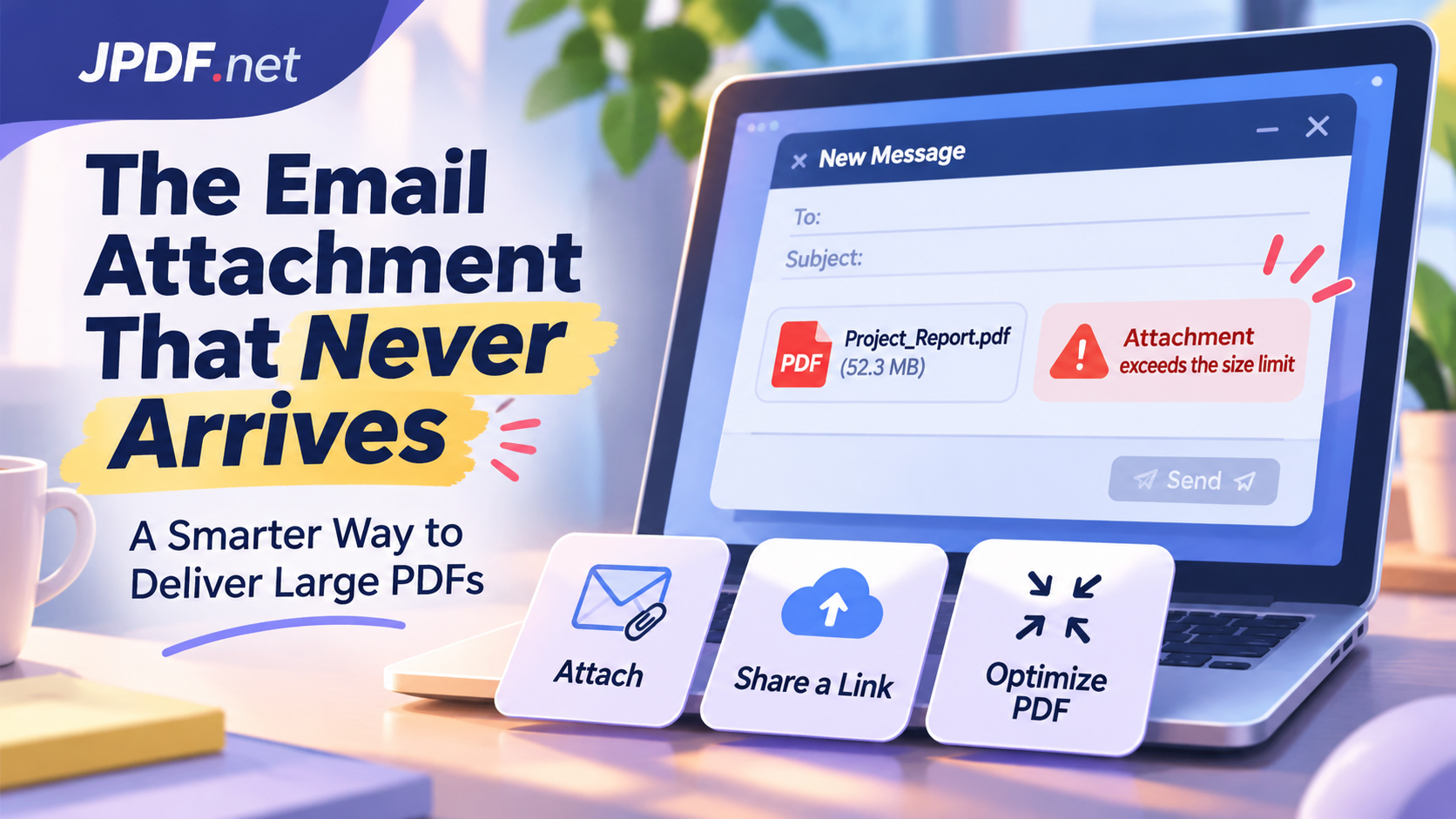
You finish a report, export it as a PDF, attach it to an email, write a perfectly reasonable message, and hit Send. Job done, right? Not necessarily. A few minutes later, an error message appears. Maybe the attachment exceeds the allowed size. Maybe the recipient's mail server rejects it. Or perhaps the email leaves your Outbox but never makes it to the person who needs it.
- Your Email Has a Size Limit, Even When Your PDF Doesn't
- The Real Cost of Sending Large Documents
- Attachment, Cloud Link, or a Smaller PDF?
- 1. Direct email attachments
- 2. Cloud storage links
- 3. Smaller, optimized PDF files
- When Making a PDF Smaller Is the Right Move
- A Document Delivery Strategy That Scales With Your Work
- Stop Treating Every PDF Like an Email Attachment
Welcome to one of the most frustrating little problems in modern office life: sending a document should be simple, but large PDF files can turn a two-minute task into an unnecessary game of digital ping-pong.
The problem isn't always the PDF itself. Email providers have attachment restrictions, corporate networks apply their own policies, and even successful deliveries can create a poor experience for recipients. The smarter question isn't simply how to send a large PDF. It's how to get the right document to the right person, in a format they can actually access.
Your Email Has a Size Limit, Even When Your PDF Doesn't
Email feels limitless until you try attaching something substantial. Most email services impose a maximum message size, and that limit usually applies to the entire email rather than just the original attachment.
For example, Gmail generally allows attachments up to 25 MB per message. When attachments exceed that limit, Gmail may automatically replace them with Google Drive links. Other providers and business email systems have their own restrictions, which can be considerably different.
There's another detail that catches people off guard: email attachments don't always travel across the Internet at the same size they occupy on your computer. Traditional email encoding methods, such as Base64, increase the amount of data required to transmit binary attachments. As a result, a PDF that appears to fit within an attachment limit may push the total message size beyond what the provider accepts.
Corporate email systems add another layer of complexity. An organization might enforce stricter limits for incoming messages, outgoing messages, or both. Security gateways may also inspect attachments, block certain file types, or reject messages that exceed internal thresholds.
That's why sending a PDF successfully from one account doesn't guarantee that another recipient can receive it. The sender's provider may accept the message while the recipient's mail server refuses it.
The Real Cost of Sending Large Documents
A failed attachment is annoying, but the consequences go beyond a bounced email. Large documents can quietly slow down everyday work, especially when multiple people depend on the same information.
Delayed communication: A sales proposal, project report, or quotation that cannot reach its recipient may delay an approval or business decision. The sender has to find another delivery method, explain the problem, and resend the material.
A frustrating mobile experience: Not everyone opens email on a desktop computer with a fast connection. Someone reviewing a document on a phone may have limited bandwidth, storage, or patience. A huge PDF filled with unnecessary high-resolution images isn't doing that person any favors.
Mailbox clutter: Repeatedly forwarding large attachments creates multiple copies across inboxes and sent folders. Over time, those copies consume storage and make document management harder.
Version confusion: When the first delivery fails, people often create another copy, rename it, and try again. Before long, several files with names such as Report_Final.pdf, Report_Final_Updated.pdf, and Report_Final_Really_Final.pdf begin circulating. Nobody wants to play detective just to find the approved version.
Unnecessary security exposure: Sending the same document through several channels can increase the number of places where sensitive information is stored. A better delivery method should consider not only convenience but also who can access the document.
The takeaway is straightforward: file delivery is part of the communication process. A document that looks perfect on your computer isn't particularly useful if the intended recipient cannot open it.
Attachment, Cloud Link, or a Smaller PDF?
There isn't one delivery method that wins every time. The best choice depends on document size, recipient needs, access permissions, and whether the file is expected to change.
1. Direct email attachments
Attachments remain a practical choice for relatively small documents that recipients need to download, save, or forward. They're especially useful for invoices, short reports, signed forms, and final copies that don't require ongoing updates.
The biggest advantage is convenience. The recipient gets the document directly inside the email without navigating to another platform.
The downside is that every copy becomes a separate version. If the document changes, you must send another attachment, and everyone needs to know which version is current.
2. Cloud storage links
For larger documents, cloud storage can be a more flexible option. Instead of transferring the entire file through email, you upload it to a storage service and share a link.
This approach is useful when several people need the same document or when the file is too large for conventional attachments. It also makes updating a shared document easier, provided the link points to the correct version.
However, sharing a link isn't automatically simpler. Recipients may encounter permission errors, account requirements, expired links, or restrictions imposed by their organization. Before sending, verify that the intended audience can actually access the file.
For confidential documents, use appropriate access controls rather than creating unrestricted public links simply because they're convenient.
3. Smaller, optimized PDF files
Sometimes the simplest solution is to make the document more efficient before sending it. A PDF containing oversized images, unnecessary image resolution, or inefficiently stored content may be much larger than it needs to be.
Optimizing the file can make direct email delivery practical again, reduce download time, and improve the experience for recipients using mobile devices.
This option is particularly useful when the document must remain an attachment, such as a formal quotation, application, business proposal, or signed document.
| Delivery method | Best suited for | Main consideration |
|---|---|---|
| Email attachment | Small, finalized documents | Provider size limits |
| Cloud storage link | Large files and multiple recipients | Access permissions |
| Optimized PDF | Documents that must be attached | Preserve visual quality |
Think of these methods as different delivery channels, not competing technologies. A short invoice may deserve a direct attachment, while a 100-page illustrated report might be better served through controlled cloud access.
When Making a PDF Smaller Is the Right Move
Reducing a PDF's size makes sense when the file contains more data than its intended use requires. But smaller doesn't automatically mean better. Aggressive compression can turn crisp charts into blurry graphics, make small text harder to read, or reduce the quality of product images.
The trick is to understand what the document is supposed to do.
For documents primarily viewed on screens: Images generally don't need the same resolution as professional print materials. A reasonable optimization can reduce file size without making the document unpleasant to read.
For business reports and presentations: Large photographs and decorative graphics often contribute more to file size than the actual text. Optimizing those visual elements can make a noticeable difference.
For email submissions: When a website, client, or organization requires a PDF attachment under a specific size limit, optimization can help meet the requirement without changing the delivery format.
For documents shared internationally: Smaller files are easier to download for recipients using slower or less reliable Internet connections. This matters when your audience isn't working from the same office network.
If you need a straightforward way to prepare a lighter document, use JPDF's minimize pdf size tool to reduce PDF file size online. You can choose a compression level according to your needs, then review the resulting document before sharing it.
One important rule: always inspect the compressed version. Check small text, diagrams, signatures, photographs, and other details that could be affected by compression. For legal records, technical drawings, and print-ready materials, preserving accuracy may matter more than saving a few megabytes.
A Document Delivery Strategy That Scales With Your Work
Sending one PDF is easy. Managing hundreds of documents across a team is where things get interesting.
Businesses, freelancers, educational institutions, and project teams all benefit from having a consistent approach to document delivery. Without one, employees make individual decisions every time they send a file, leading to inconsistent permissions, duplicate versions, and unnecessary storage consumption.
A practical document delivery policy doesn't need to be complicated. It should establish a few shared expectations:
Define attachment guidelines. Set an internal preferred size for everyday email attachments. This doesn't have to match the maximum allowed by the email provider. A lower practical threshold can make communication smoother.
Choose a central location for frequently updated documents. When several people need the same report, storing one authoritative copy can prevent outdated attachments from circulating.
Make access permissions part of the process. Before sharing a link, confirm that the recipient has the appropriate access. Avoid granting broader permissions than necessary.
Establish naming conventions. Use meaningful document names and clear version identifiers. A consistent naming system is far more useful than relying on filenames created in a hurry.
Match file quality to its purpose. A document intended for screen reading doesn't necessarily need print-level image quality. On the other hand, a high-resolution design proof or technical illustration may require more detail.
These practices are especially valuable when working with external clients. A predictable delivery process makes your organization look more professional and saves everyone time.
Stop Treating Every PDF Like an Email Attachment
PDF is an excellent format for preserving document layout, sharing reports, and distributing information across different devices. But choosing PDF doesn't automatically determine how that document should be delivered.
A small finalized document may belong directly in an email. A large report may be better shared through a controlled link. A file containing oversized images may simply need optimization before it goes anywhere.
The best approach starts with the recipient, not the Send button. Consider what they need to access, how they will open it, whether they need to keep a local copy, and how sensitive the information is.
When document delivery becomes a deliberate part of your workflow, failed attachments and confusing file versions become much less common. And that's a worthwhile upgrade for anyone who spends their working day moving PDFs around.
Need to prepare a PDF before sharing it? JPDF provides free online PDF tools for compressing, merging, splitting, and converting documents. No account required, no complicated setup, just practical tools to help your files get where they need to go.